AgentLoom · AI workspace
Set the goal.
A local agent team carries it to done.
Coordinate models, continue sessions and inspect changes in one desktop workspace. Follow the work from your phone when you step away.
macOS · Windows Preview · Your chosen models and API keys
Collaborate, continue, stay in control
Different models, one shared goal
The lead delegates work, gathers results and coordinates checks
Break down the goal and define scope
Choose a model for each task
Inspect changes and results
A role overview. Model choices depend on the task and configuration; these are not fixed rankings of model strengths.
Away from the desk. Work stays on your machine.
Pair by QR; message, approve or stop
Forward end-to-end encrypted content
Run tasks in the local workspace
Both devices connect outbound to the relay; no VPN setup is required. The desktop must stay online. Connection metadata is outside content encryption. Arrows show the path; communication is bidirectional.
The allowance ends. The task continues.
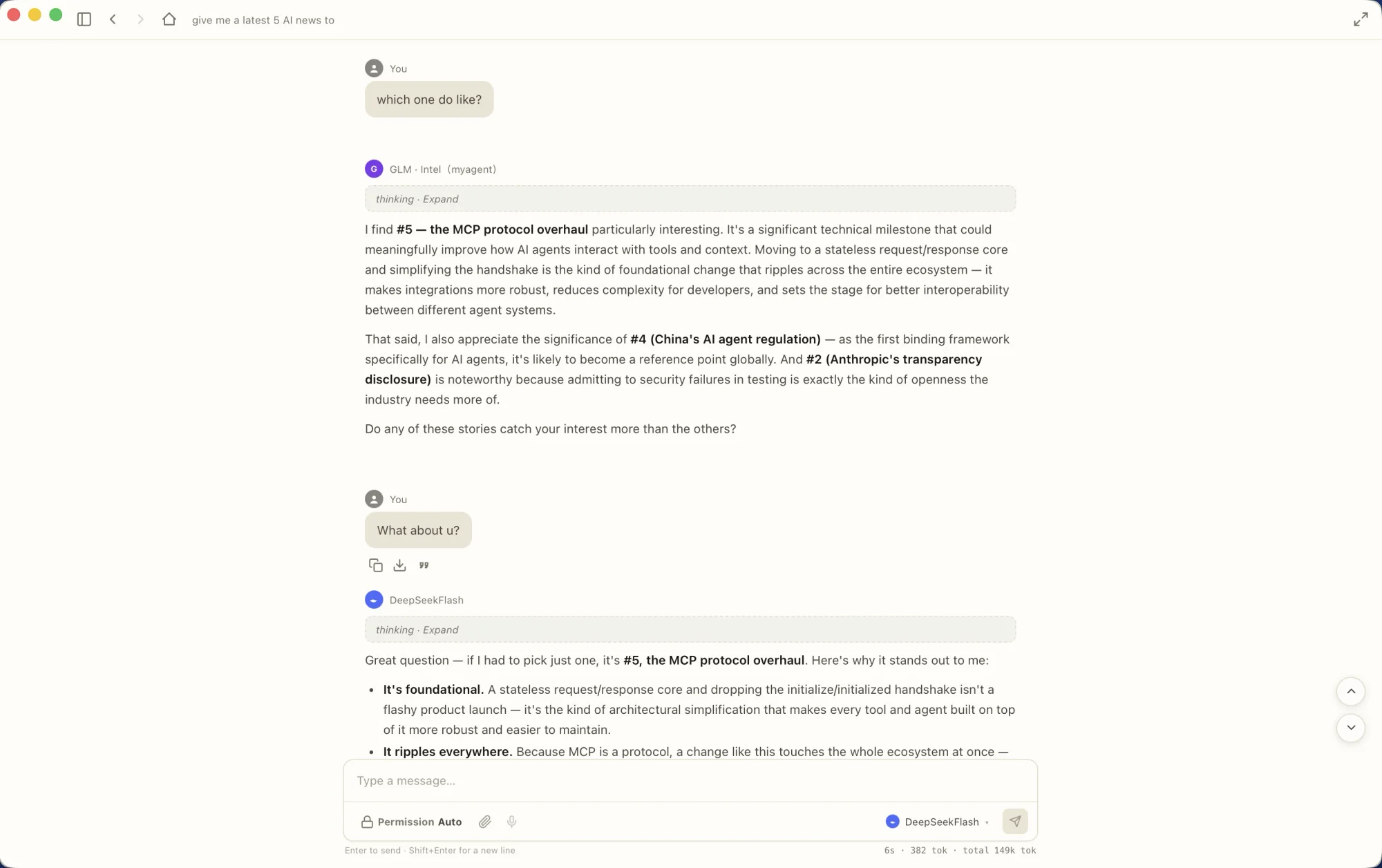
Switch providers in the same session and continue with the existing context. Long sessions can also create a handoff for a linked session.
Visible actions. Inspectable results.
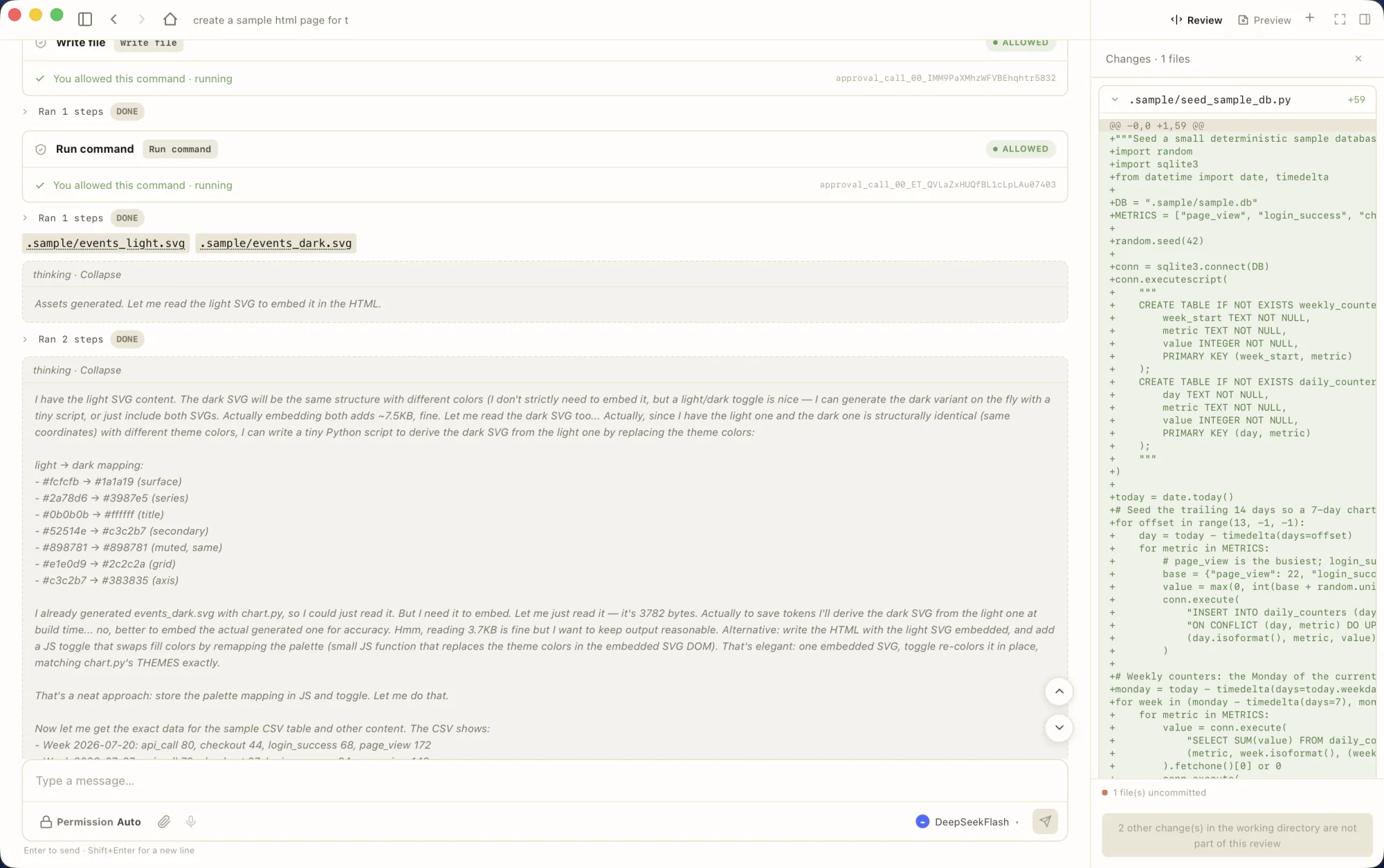
Commands, file changes and review live together. The built-in MyAgent engine works with configured API keys without requiring an external CLI agent.
Everyday work in the workbench
Organize work by session
Use GitHub repositories or plain local folders as projects, each with its own session list and groups. Find work with ⌘K. Configure a lead, members and roles, choosing providers for the task.
Inspect changes before keeping them
Expand cards for commands and file writes. Review provides a file-level ledger and diffs. Checkpoints and selective undo help manage file changes; file undo does not reverse external actions.
Readable results in the conversation
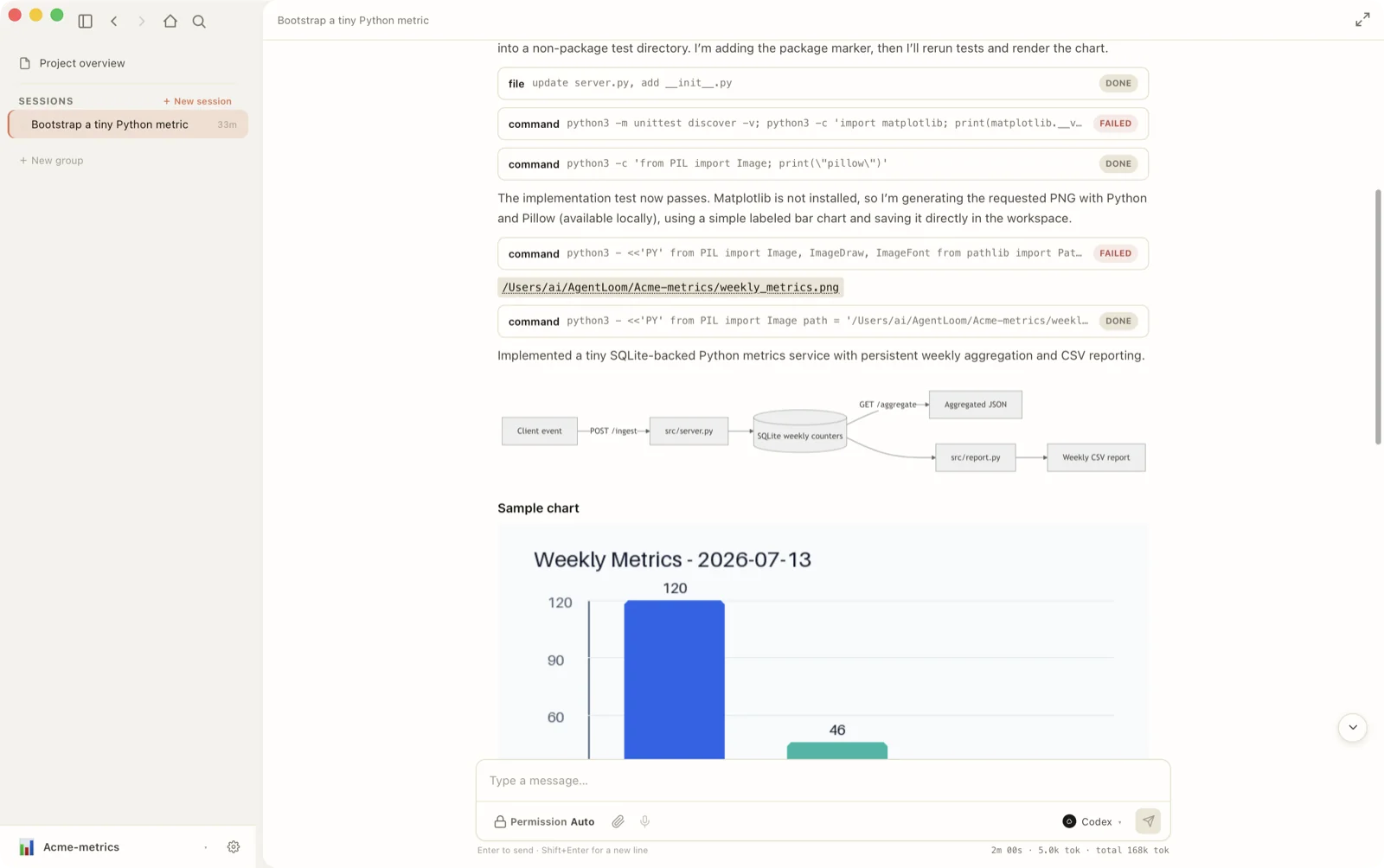
Sessions render Mermaid diagrams, inline images, diffs, collapsible thinking and tool-call cards, with long output folded. MyAgent is the built-in Rust engine with tool use, plan mode, checkpoints and event streaming; it also runs as a standalone CLI.
Bring your own configuration
Use OpenAI- or Anthropic-compatible endpoints, custom base URLs and local models. DuckDuckGo search needs no separate key; Brave and Exa use your keys. The UI supports English and Simplified Chinese. Model and search charges depend on the services you use.
Follow and act on work away from your desk
Scan a QR code to open the phone browser without installing an app or setting up a VPN. Watch live sessions, send input, approve steps or stop a run. Your desktop stays online and executes the work. Both devices connect outbound to a relay; content is end-to-end encrypted and the relay does not hold content keys. Connection metadata such as room/session identifiers, timing and size is outside content encryption.
Self-host the relay · AGPL-3.0 ↗Local-first, with explicit network boundaries
API keys use the OS keychain, conversations live in a local database, and agents work in your repositories. AgentLoom keeps its own bookkeeping outside the working tree; local helper listeners use loopback. Model requests go to your chosen provider; enabled web search sends queries to the search service. With Remote Control enabled, encrypted session content passes through the relay, which can see connection metadata.
What the cost and evaluation numbers mean
Read about the 30-task experiment and its limits
MyAgent with deepseek-v4-pro resolved a median 17/30 (56.7%), ranging 16–19, across eight runs on a hand-selected, host-friendly SWE-bench Verified subset. Model spend was roughly $3–6 for all 30 tasks. Official Docker grading withheld grading tests from the engine. The runs span four days of engine changes, rather than repeated tests of a frozen build. This is not a full 500-task result, a direct leaderboard comparison or a guarantee of future costs.
Evaluation method & task set ↗Session-centric workbench
All your projects in one window — GitHub repos and plain local folders alike — each with its own session list and groups. ⌘K full-text search across every session — messages included, results in milliseconds.
Rich transcript rendering
Mermaid diagrams, inline images, diffs, collapsible thinking, tool-call cards; long output folds by default.
Download AgentLoom v0.2.13
macOS: signed and notarized DMG installers for Apple silicon and Intel. Open the image and drag the app to Applications. If the system shows a warning, check the download source, checksum and release notes.
Windows: unsigned x64 preview v0.2.13, built in CI with an installed smoke test. SmartScreen may show a warning; this is not a signed stable release. SHA256 accompanies the installer. Linux work has not started.
Building from source requires Rust, Node ≥20 and the platform prerequisites for Tauri.
Build instructions ↗License and community
AgentLoom code is licensed under AGPL-3.0. See the license text for terms covering use, modification, distribution and network services. The AgentLoom and MyAgentHubs names and logos are MyAgentHubs trademarks and are not covered by the code license.