

Do reviewers need an account?
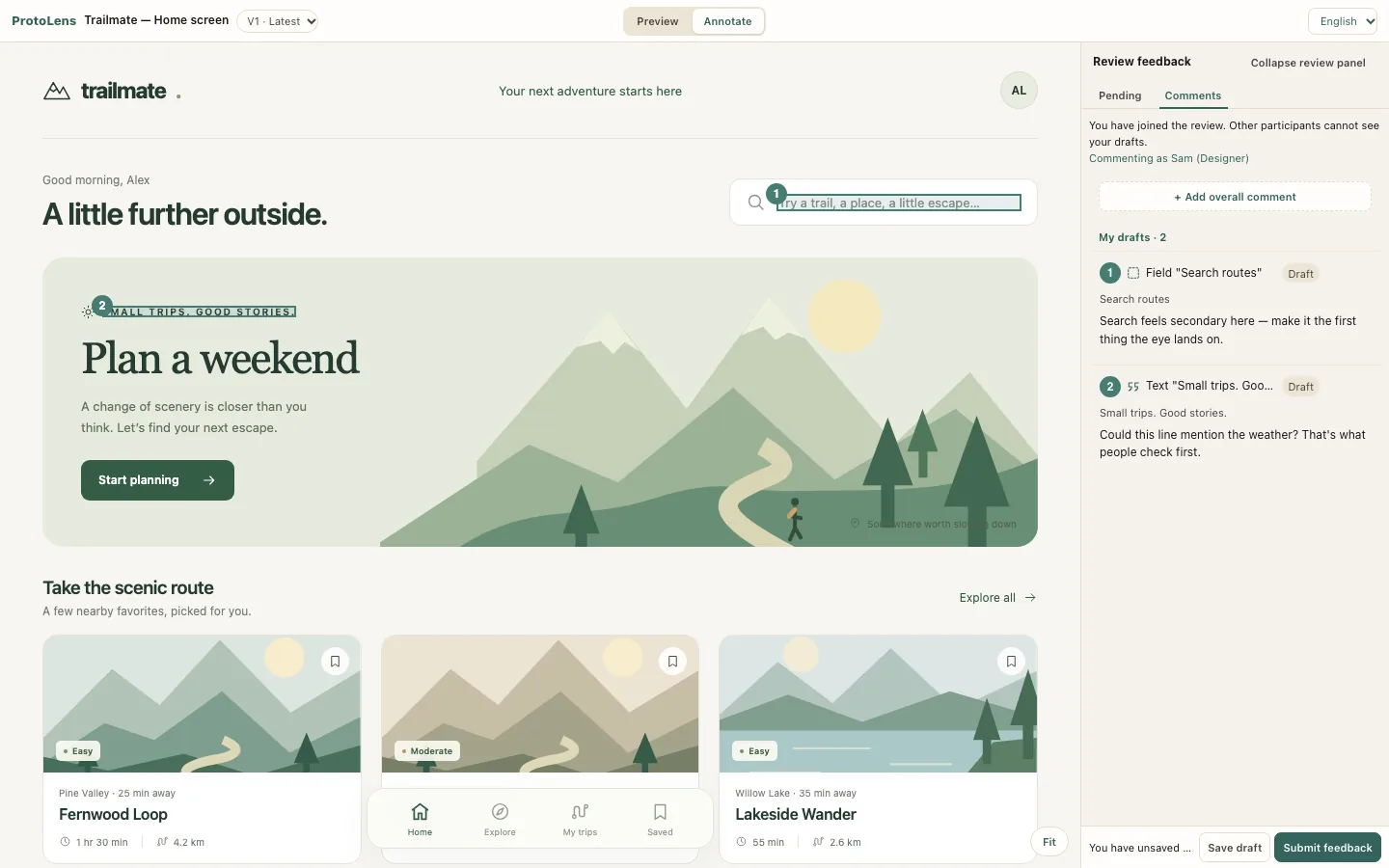
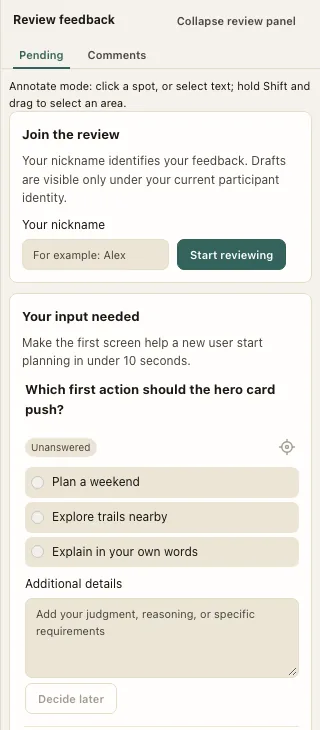
No. Reviewers open the private link and choose a nickname. The owner needs access to ProtoLens to connect an AI client and manage works.
What can I publish?
A single, self-contained HTML prototype, up to 5 MB. Inline styles, scripts, and embedded images can preserve prototype interactions within sandbox limits. External resources and live backend calls are not supported.
Which AI clients can I use?
Use a client with the required MCP or temporary-connection capabilities. Claude and ChatGPT are examples to check; availability depends on your client, plan, and workspace settings.
Will my AI update the work automatically?
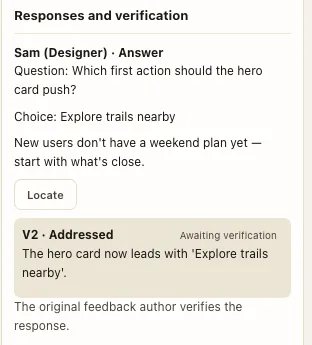
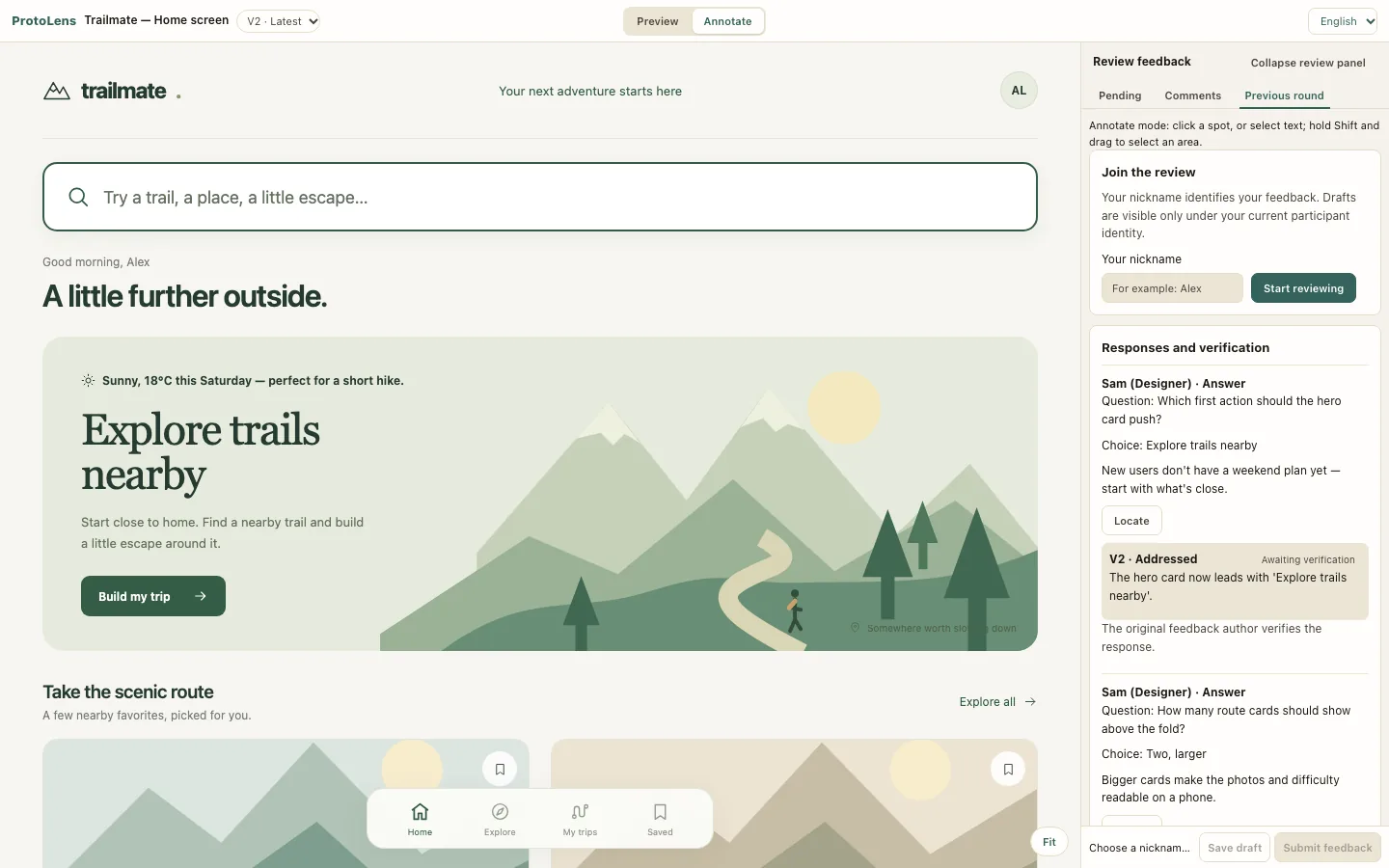
No. Ask your connected AI to read the submitted feedback and publish a revision. Reviewers do not need to export or paste feedback, and AI responses do not count as human acceptance.
Who can see the review?
Anyone holding the link can view, comment, and forward it. Drafts are private until submission; people using the same link can see submitted feedback. Owners can revoke a link to stop future access.
Can I use ProtoLens now, and what does Free include?
Access is currently invitation-only. Request early access to be considered. Free includes 3 works and 50 MB storage; successful referrals add 1 work each, up to 10 in total. Pro is coming soon.