Models behave differently in planning, implementation and review. Scattered across disconnected tools, they struggle to work toward one goal. AgentLoom starts there, then addresses usage limits, context continuity and staying in control away from the desk. Coding is the first proving ground for a broader workspace.
01 / Match models to the work
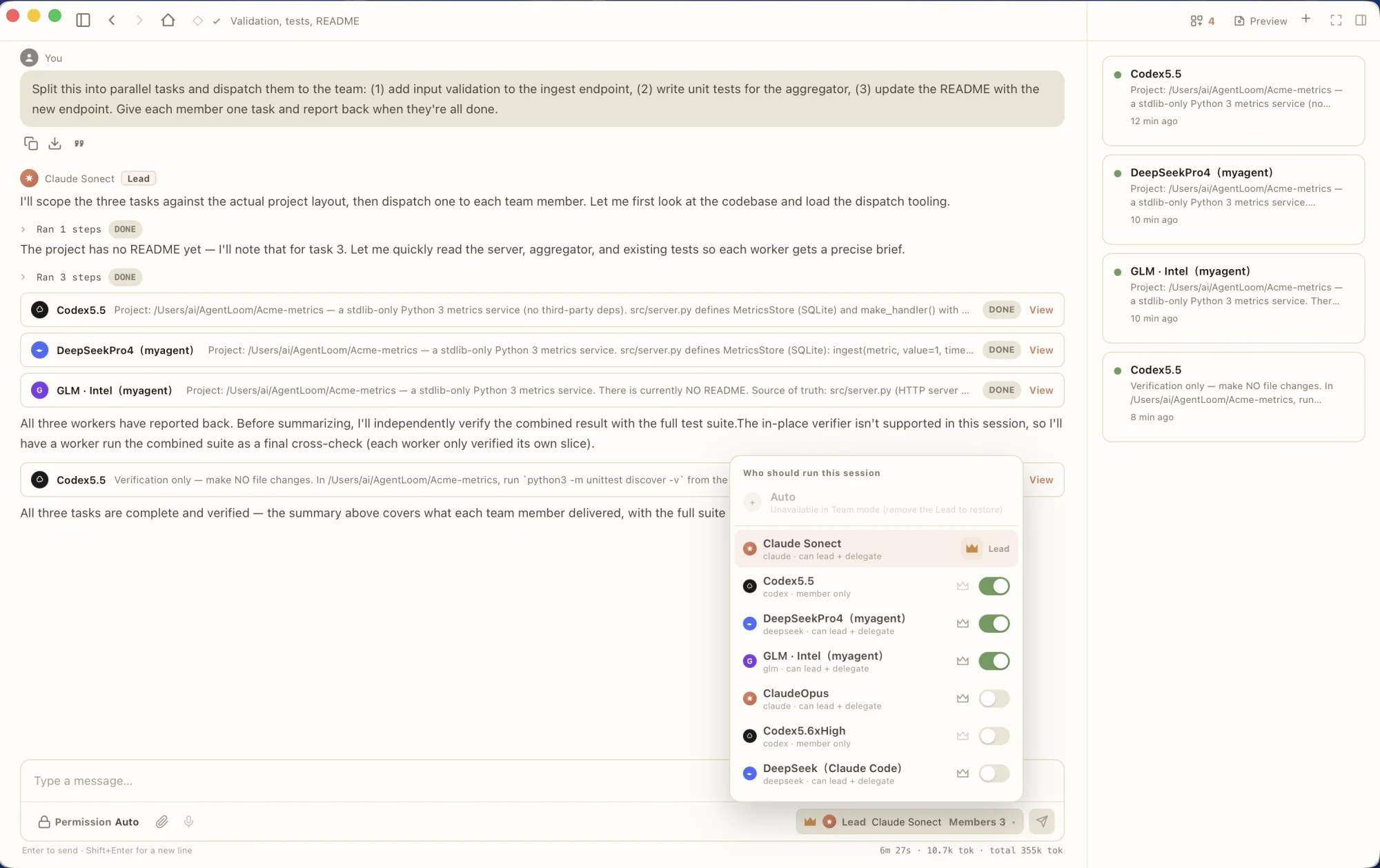
I wanted different models to contribute within one workspace. A lead breaks down the goal, delegates tasks and gathers results. Planning, implementation and review can use different model configurations, chosen for task performance, cost and availability.
Collaboration has a cost: unclear boundaries can cause overlapping edits, and completed subtasks do not establish a successful whole. The workspace needs visible assignments, visible results and a check after integration.
Different models, one shared goal
The lead delegates work, gathers results and coordinates checks
Break down the goal and define scope
Choose a model for each task
Inspect changes and results
A role overview. Model choices depend on the task and configuration; these are not fixed rankings of model strengths.
02 / Keep the task moving across models
When a model’s usage allowance runs out, the user can switch providers within the same session and continue with the existing context. The focus stays on the unfinished task.
A separate continuation mechanism creates a handoff document and starts a linked child session. These are distinct experiences. Models can still interpret context differently, and continuation requires explicit context and state management.
03 / Why build MyAgent?
I wanted to test whether my understanding of Agent architecture could support a working system. I also wanted people to use AgentLoom with a model API key even if they had not installed a CLI agent such as Claude Code or Codex.
Longer term, I wanted an engine I could understand, control and customize for future products. The cost was concrete: taking responsibility for model adaptation, tool execution, context and verification.
The workspace and the engine
Tasks, sessions and result inspection
External CLI agents or MyAgent
Interpret context and propose actions
Execute and inspect the outcome
04 / Stay in control away from the desk
Tasks take time, but I do not want to stay at the desk throughout. Remote Control pairs a phone browser by QR to follow sessions, send messages, approve a step or stop work, without setting up a VPN.
Work still runs on the desktop, which must remain online. A relay connects the devices across networks and forwards end-to-end encrypted content, while still handling connection metadata. Convenience, control and network boundaries are designed together.
Away from the desk. Work stays on your machine.
Pair by QR; message, approve or stop
Forward end-to-end encrypted content
Run tasks in the local workspace
Both devices connect outbound to the relay; no VPN setup is required. The desktop must stay online. Connection metadata is outside content encryption. Arrows show the path; communication is bidirectional.
05 / How do we know the work is done?
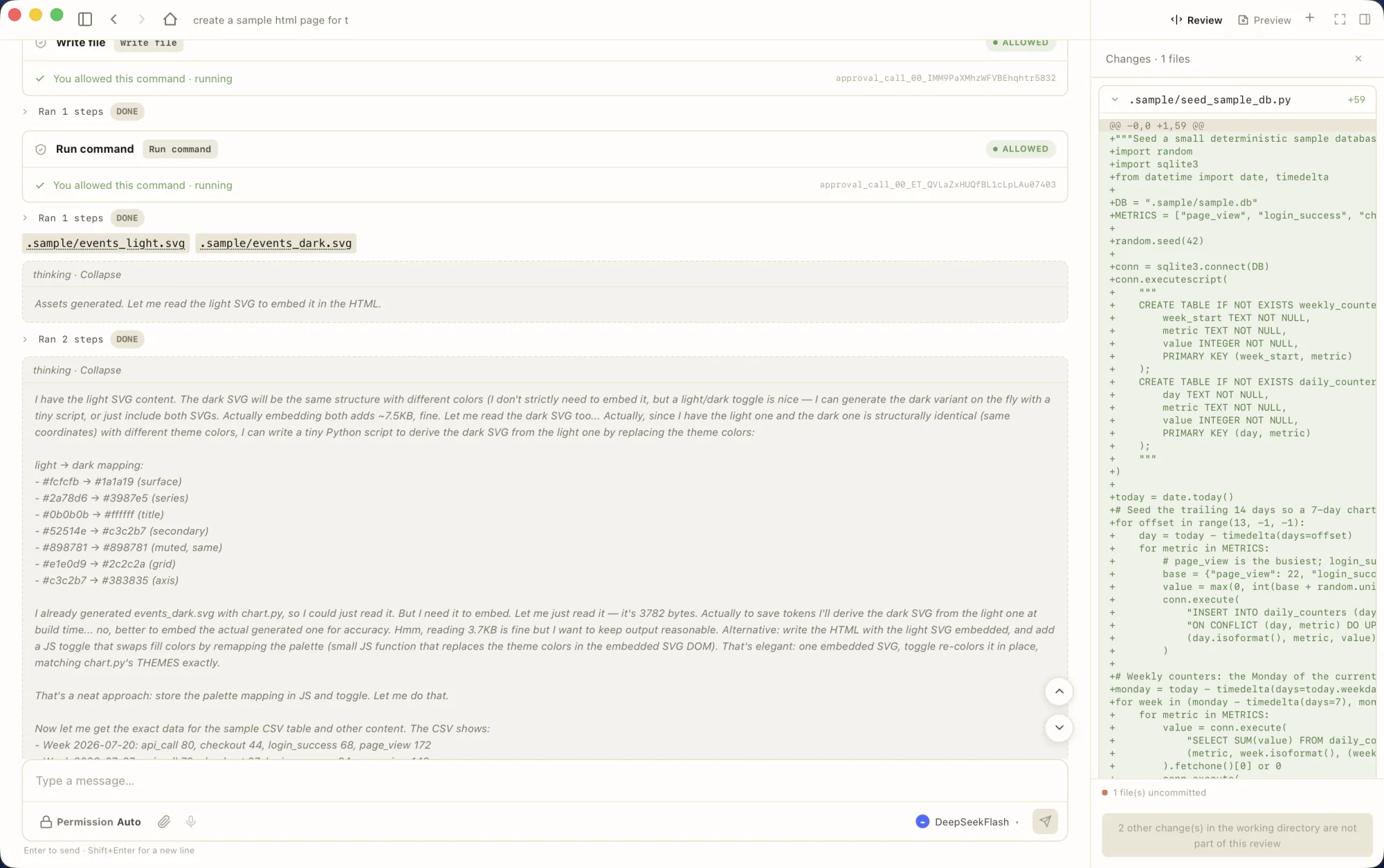
Different models behave differently in the same execution environment. Some gather more information; others act sooner. Real tasks helped me learn when tools and context needed adjustment, and when an outcome needed a more explicit check.
A model’s completion message is a prompt to inspect the result. A successful tool call or a weak self-test does not automatically establish that the user’s problem is solved. Acceptance has to return to the task and an observable outcome.
How to read the evaluation evidence
The internal record describes eight runs on a hand-selected 30-task subset of SWE-bench Verified across different engine builds, with a median of 17/30. This is not a result on all 500 tasks or eight reruns of a frozen build. These results help explain behavior in specific experiments; they do not establish a full benchmark ranking or real-world adoption.
Where this leaves the product
AgentLoom is available to download and is used in my daily work. MyAgent was later reused for LoomVoice background tasks. That reuse is a concrete result; making setup easier for a wider audience still needs work.